Connecting to Latitude.sh
You can manage both connectivity and infrastructure by connecting to Latitude.sh from the Megaport Portal.
Latitude.sh allows you to deploy and manage bare metal instances globally. The platform offers the flexibility of virtualized cloud environments with the performance, security, and control of dedicated infrastructure.
On the Services page, click Add Services, then select Order Bare Metal in the Compute section.

You can also access Latitude.sh from the bottom left of the Megaport Portal. In the Megaport Portal, click the latitude.sh button to open the Latitude.sh Portal.
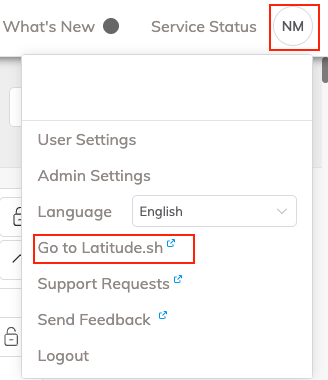
To connect to Latitude.sh for the first time
From the Megaport Portal:
- Click Add Services, then click Order Bare Metal
- Click latitude.sh
You will be transferred to the Latitude.sh Portal.
The first time someone from your company connects to Latitude.sh, a company account will be created for Latitude.sh based on your company details in the Megaport Portal. That user will be logged in straight away.
Subsequent users who click through from the Megaport Portal must click the Request access button to log in for the first time.
For more information about using Latitude.sh’s bare metal cloud infrastructure, see the Latitude.sh documentation.